The Play Store “Ad Trap”
You search the Google Play Store for “background remover.” And see hundreds of results. Then download one. You open it, and immediately you are hit with a 30-second video ad for a mobile game. You close it, upload your photo, and get hit with another ad.
Android users know the struggle. The ecosystem is full of “free” apps that are actually just ad farms or data miners. You shouldn’t have to watch a commercial just to edit a picture.
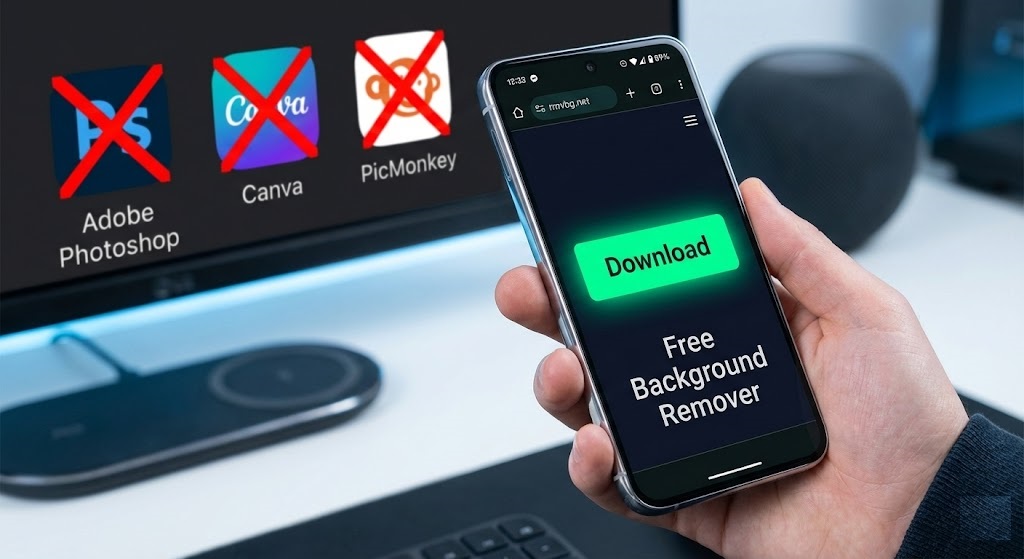
If you want to remove background from image Android without the spam, use rmvbg.net directly in Chrome. It is faster, safer, and cleaner.
Samsung Gallery vs. The Web Tool
Samsung recently added “Object Eraser” and “Image Clipper” to One UI. While convenient, they have limitations:
- Edge Quality: The built-in tool often struggles with complex edges like hair, leaving a jagged, unnatural cutout.
- File Format: It saves the image to your clipboard or as a proprietary Samsung format that might not work in every app.
- Compatibility: This feature is only available on newer, high-end Galaxy S models. If you have an A-series or an older phone, you are out of luck.
rmvbg.net works on every Android device—from a $100 Motorola to a $1,000 Pixel Pro.
How to Use It (The Chrome Workflow)
Turn your browser into a powerful editor.
Step 1: Open Chrome
Navigate to rmvbg.net. You can even tap the three dots in Chrome and select “Add to Home Screen” to create an app-like icon for instant access.
Step 2: Upload Files
Tap “Upload Image.” Android gives you great flexibility here. You can choose from your Gallery, Google Photos, or even snap a picture directly with the Camera.
Step 3: Save to Gallery
Once the background is removed, tap “Download.”
Tip: The file will go to your “Downloads” folder. To see it in your Gallery, open the “Downloads” album or use a file manager like Google Files to move it.
The Best Use Case: WhatsApp Stickers
Android is the king of WhatsApp. Creating custom stickers is a huge trend.
- Take a funny photo of your friend.
- Use rmvbg.net to remove the background.
- Download the transparent PNG.
- Use a free app like “Personal Stickers for WhatsApp” to import the PNG.
- Spam your group chat with your new high-quality sticker pack.
Privacy Advantage
Android apps often ask for scary permissions: “Access to Contacts,” “Access to Location,” “Read Phone State.” A background remover app doesn’t need to know who you are calling.
By using our web tool, you bypass these permissions entirely. The browser ensures the site can only see the one image you choose to upload. It is the privacy-conscious choice.
Conclusion
Your phone is powerful enough to do professional editing. You just need the right tool.
Use rmvbg.net to remove background from image Android instantly. Skip the ads, keep your privacy, and get a better cutout. Bookmark us in Chrome today.